 Hey, my name is Ace. A blogger, web developer, gamer and Microsoft lover. Student of Unilorin and NACOSS Unilorin 2013 Programmer of the year.


For lasting and better disk performance, you should always check to see that your hard drive and file system are both tuned for optimum performance. Windows comes with two utility programs that find and fix any errors and optimize your hard drive performance.
The first of these programs is called CheckDisk. Checkdisk will check your hard drive for problems and can fix any that it finds. You can run Checkdisk by clicking on the Start button from the Windows Taskbar, followed by Programs, then Accessories, System Tools, and finally CheckDisk.
There are various other methods of running checkdisk. Some of which are listed below:
The first of these programs is called CheckDisk. Checkdisk will check your hard drive for problems and can fix any that it finds. You can run Checkdisk by clicking on the Start button from the Windows Taskbar, followed by Programs, then Accessories, System Tools, and finally CheckDisk.
There are various other methods of running checkdisk. Some of which are listed below:
- You can run checkdisk on any media or drive by right-clicking on the drive, select properties, and then click on the Tools tab in the dialog box that appears. From this tools tab, you can check the disk for errors, defragment it and also create backup for the drive. Now click on "Check Now" to begin checking the disk drive for errors.
- Another method is going through the MS-DOS menu i.e Command prompt. Press "WinKey + R" to open the Run menu and then type "cmd" and press enter. The command prompt window comes up, now type "chkdsk C:/f" and press enter. You can replace the "C:/" with the drive letter of the disk you want to check.




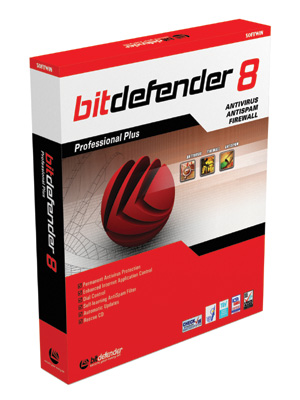 BitDefender offers top of the line antivirus software for desktop computers, notebooks, MAC computers and mobile devices and that's why it is the #1 antivirus in our top ten antivirus list. BitDefender Antivirus 2012 is one among the most recommended software for home and small business computers. The antivirus uses advanced technology algorithms and methods to identify security risks and blocks threats even before they try to harm your computer. It is used by millions of computer users worldwide and also, the price of the antivirus software is quite affordable. This is the reason it is the #1 antivirus in our top ten antivirus ranking.


